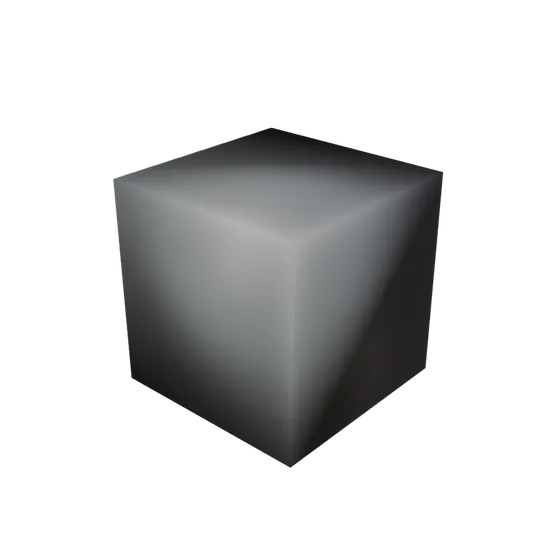
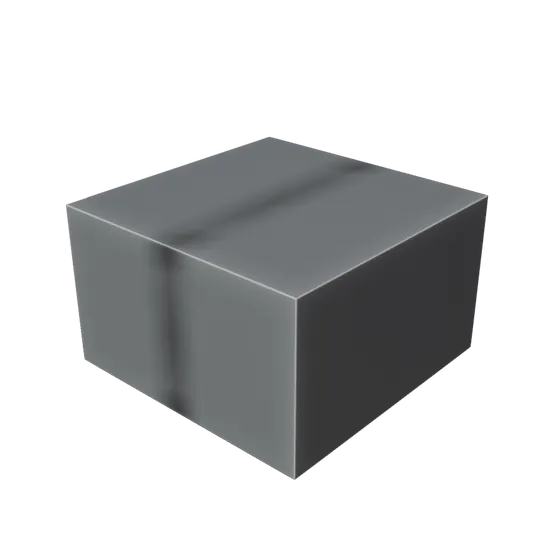
 Before — a plain cube
Blender add-ons
mojilab
Small tools that do one job. Each one is exercised by a headless Blender run on 4.5 LTS and 5.2 LTS before it is released, including an install test that repeats the steps a customer would take. Two are finished and shown below.
Modifier Stack Library
Apply and save whole modifier stacks in one click
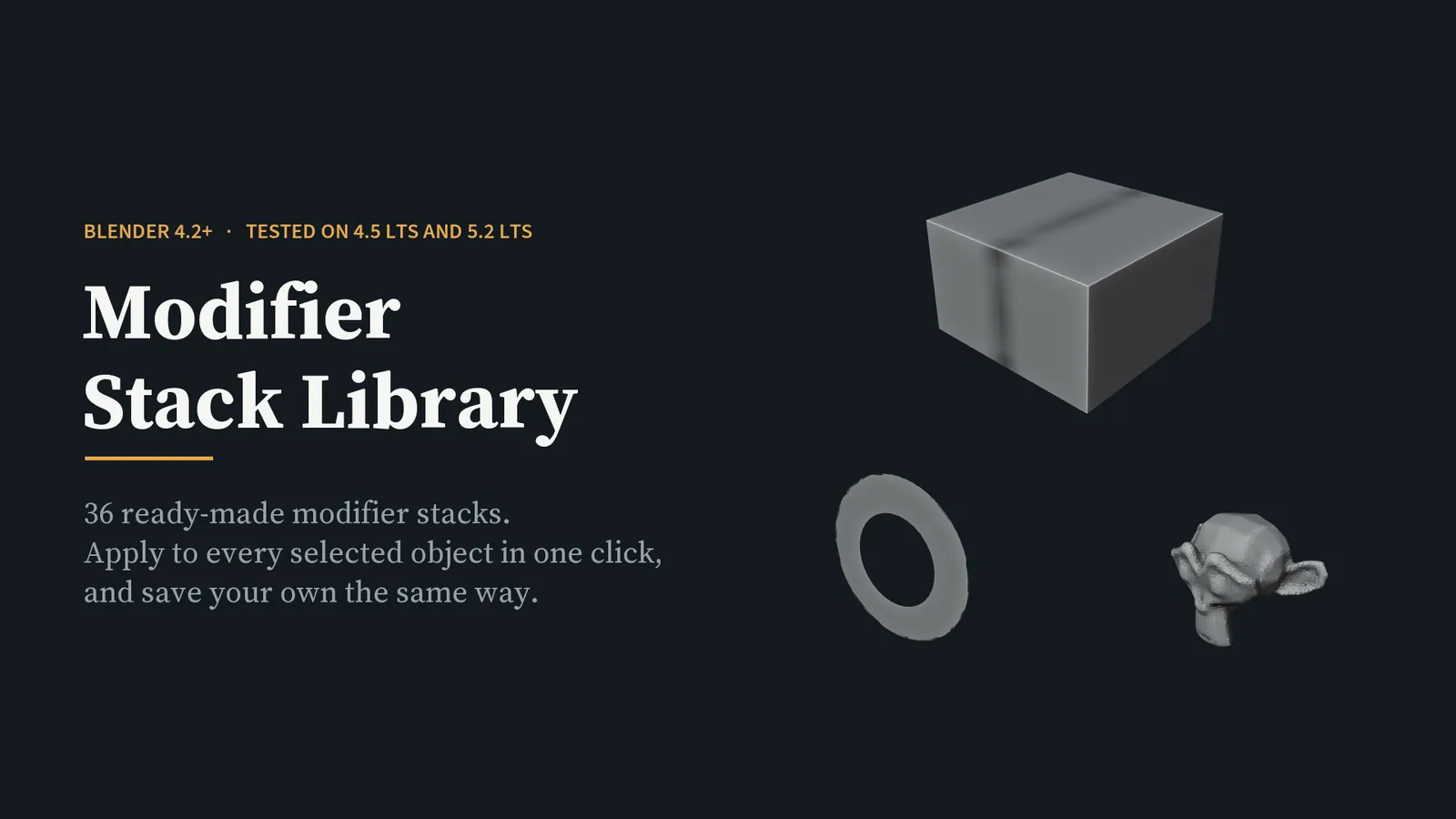
Modifier stacks are the part of Blender you rebuild over and over. The support bevel and the weighted normal. The weld before the triangulate. The array that follows a curve. You know the recipe; you just do not want to type it in again on the twelfth object.
This add-on keeps 36 of those recipes in the sidebar. Select your objects, click once, and every selected object gets the whole stack — as ordinary, editable modifiers. Nothing is applied destructively.
Stacks that need a second object — boolean, curve, shrinkwrap, lattice — use the active object as the target, and the target never receives modifiers itself. Build a stack by hand once, press Save, and it joins the library; export it as JSON to move it between machines. Every modifier the add-on creates carries an MSL prefix, and the cleanup button deletes only those.
Thirteen of the 36 stacks, rendered from the add-on itself
Before — a plain cube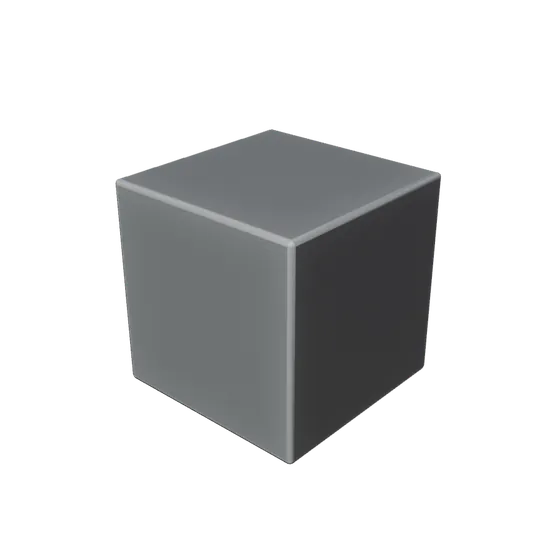 Bevel + Weighted Normal
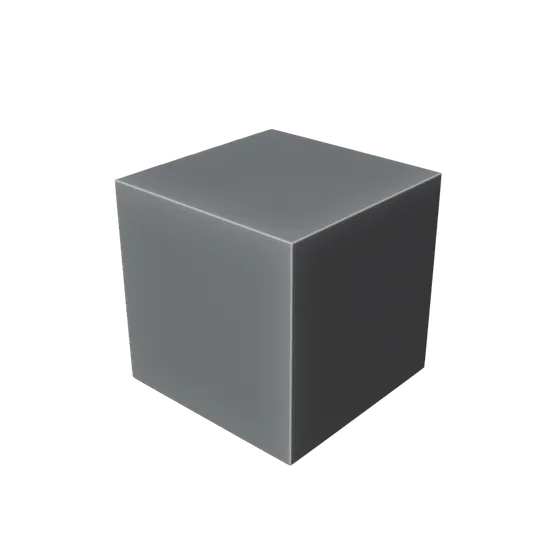 Bevel + Subdivision
 Mirror + Weld
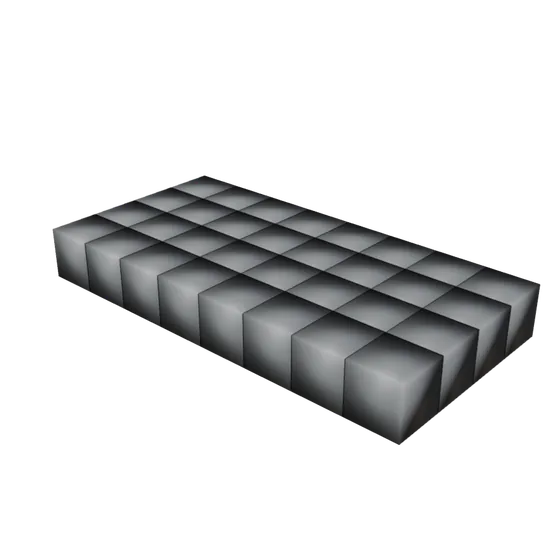 Grid Array
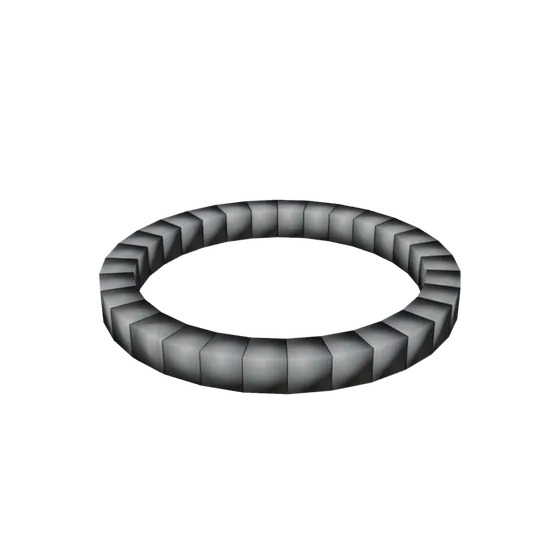 Array Along Curve
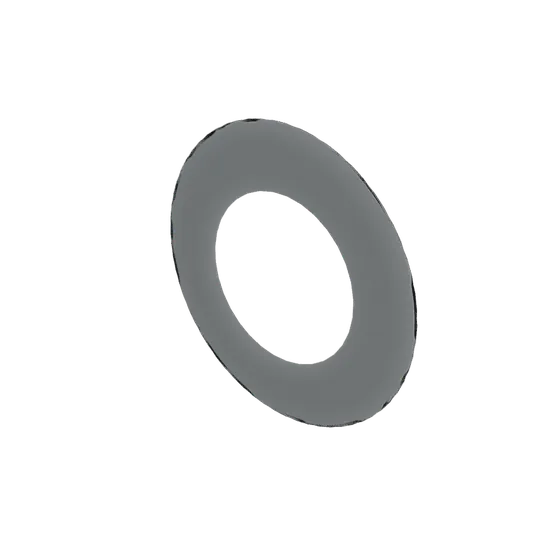 Screw Lathe
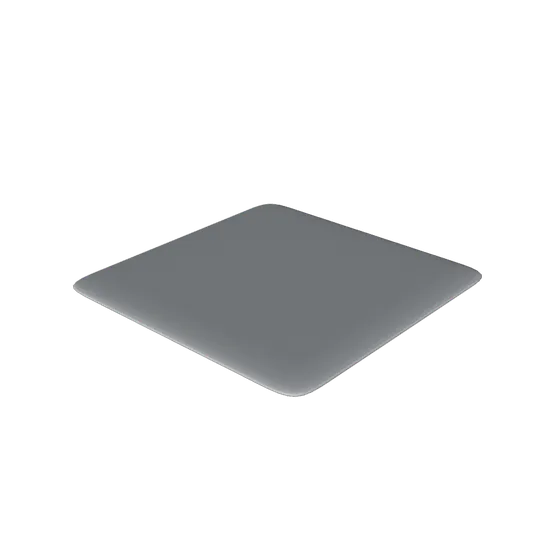 Solidify + Subdivision
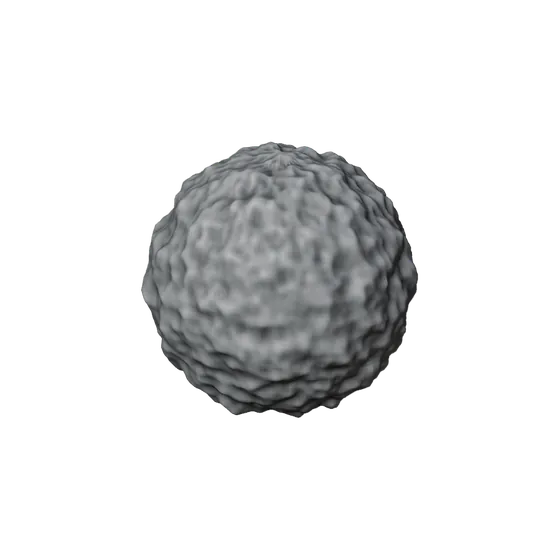 Subdivide + Displace
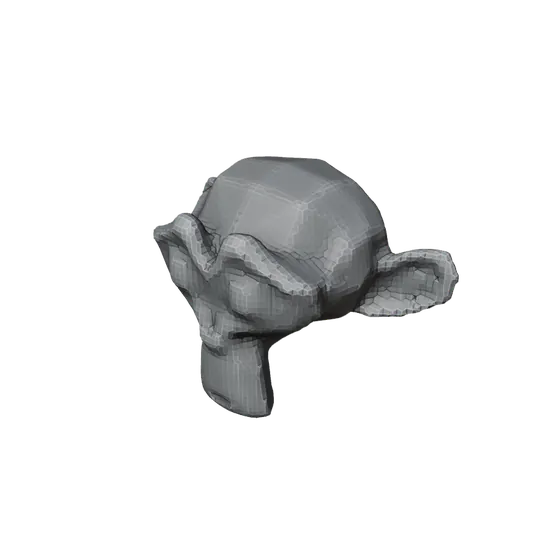 Voxel Remesh + Smooth
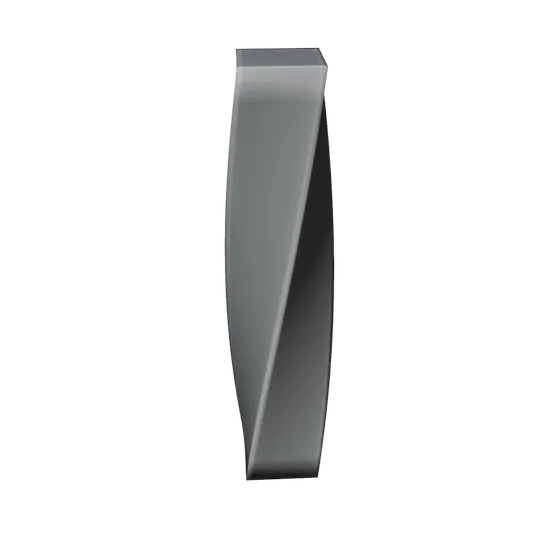 Twist
Twist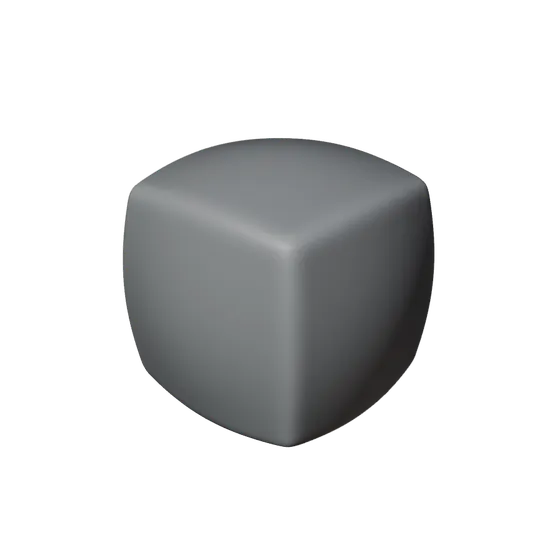 Cast to Sphere
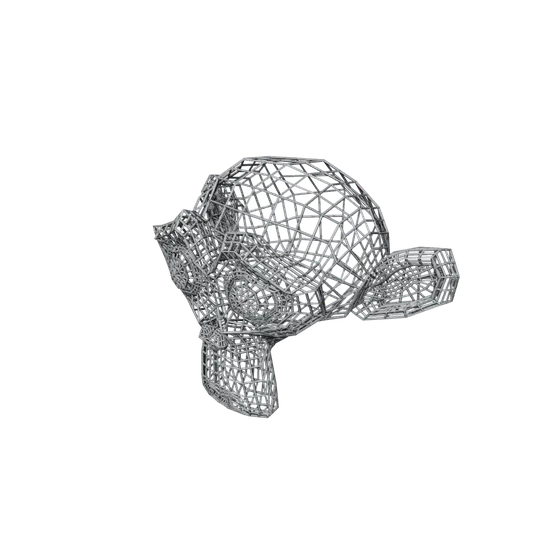 Wireframe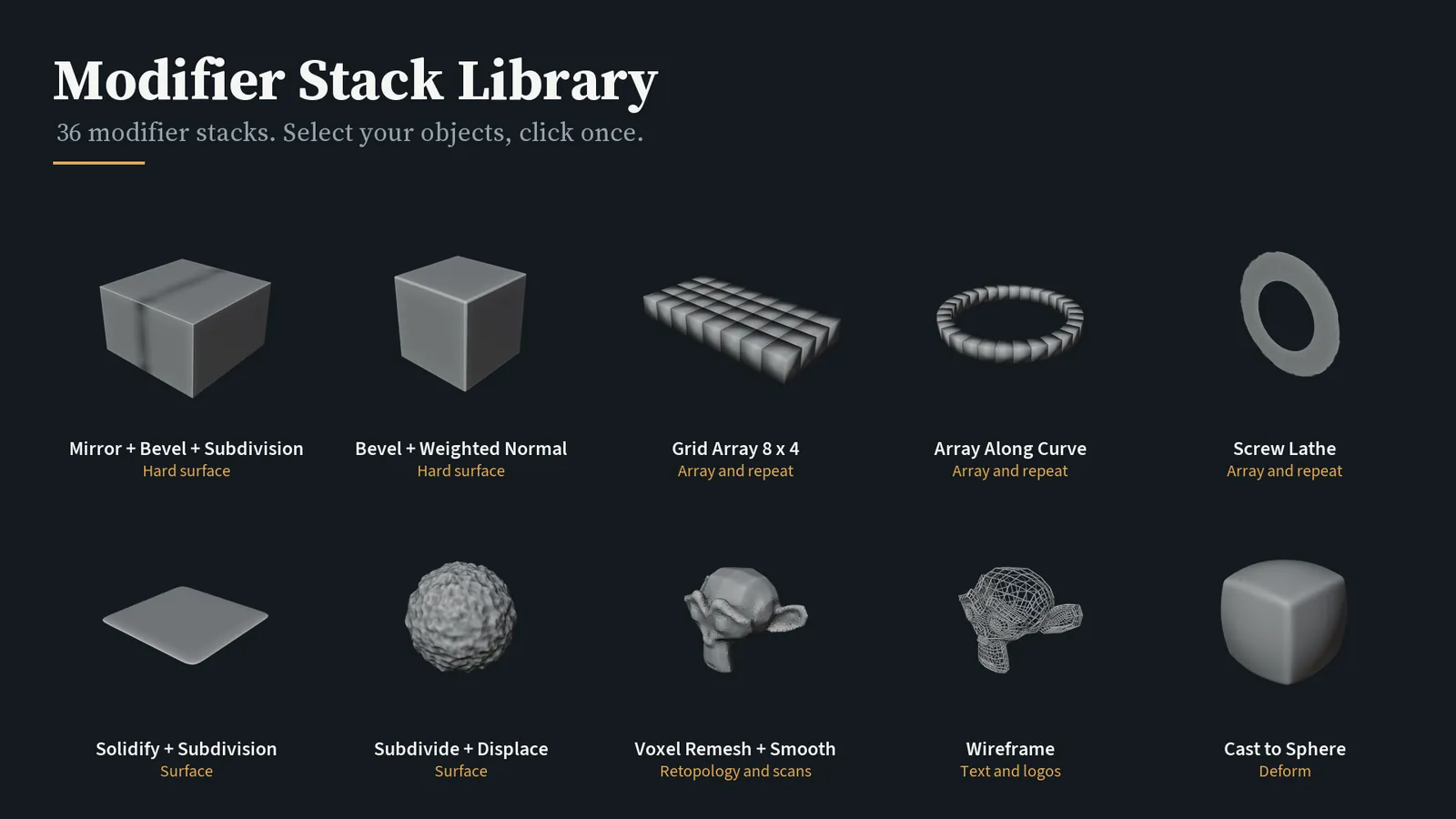
UV Audit
Find every UV problem in a scene before you texture it
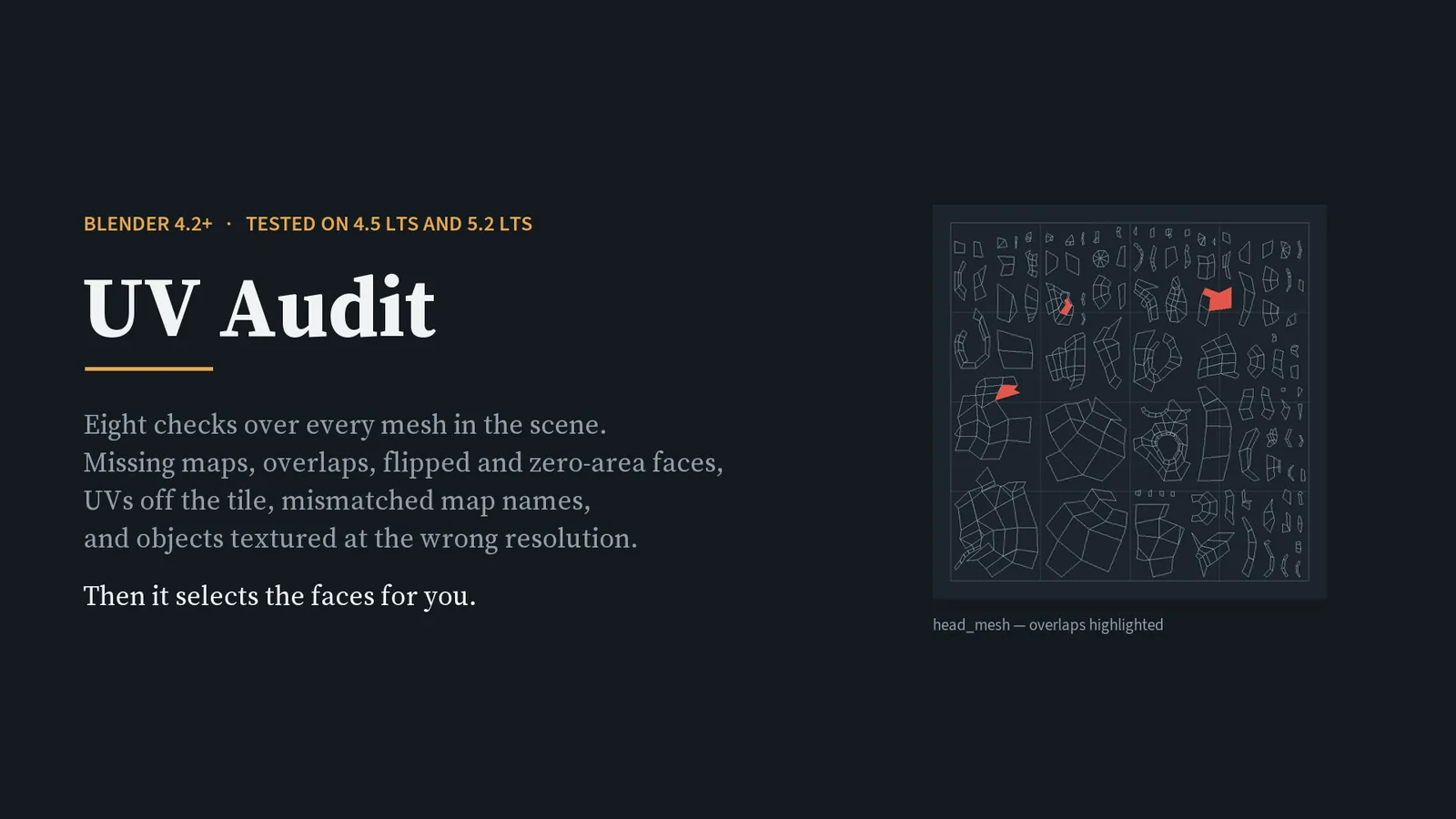
You do not find out that a UV map is missing when you unwrap. You find out three hours later, when the bake comes back black, or the exporter drops a mesh, or one wall in the corridor is visibly softer than the other five.
UV Audit checks every mesh in the scene and tells you, in one list, what is wrong and where.
- No UV map at all
- A UV layer that exists but was never touched
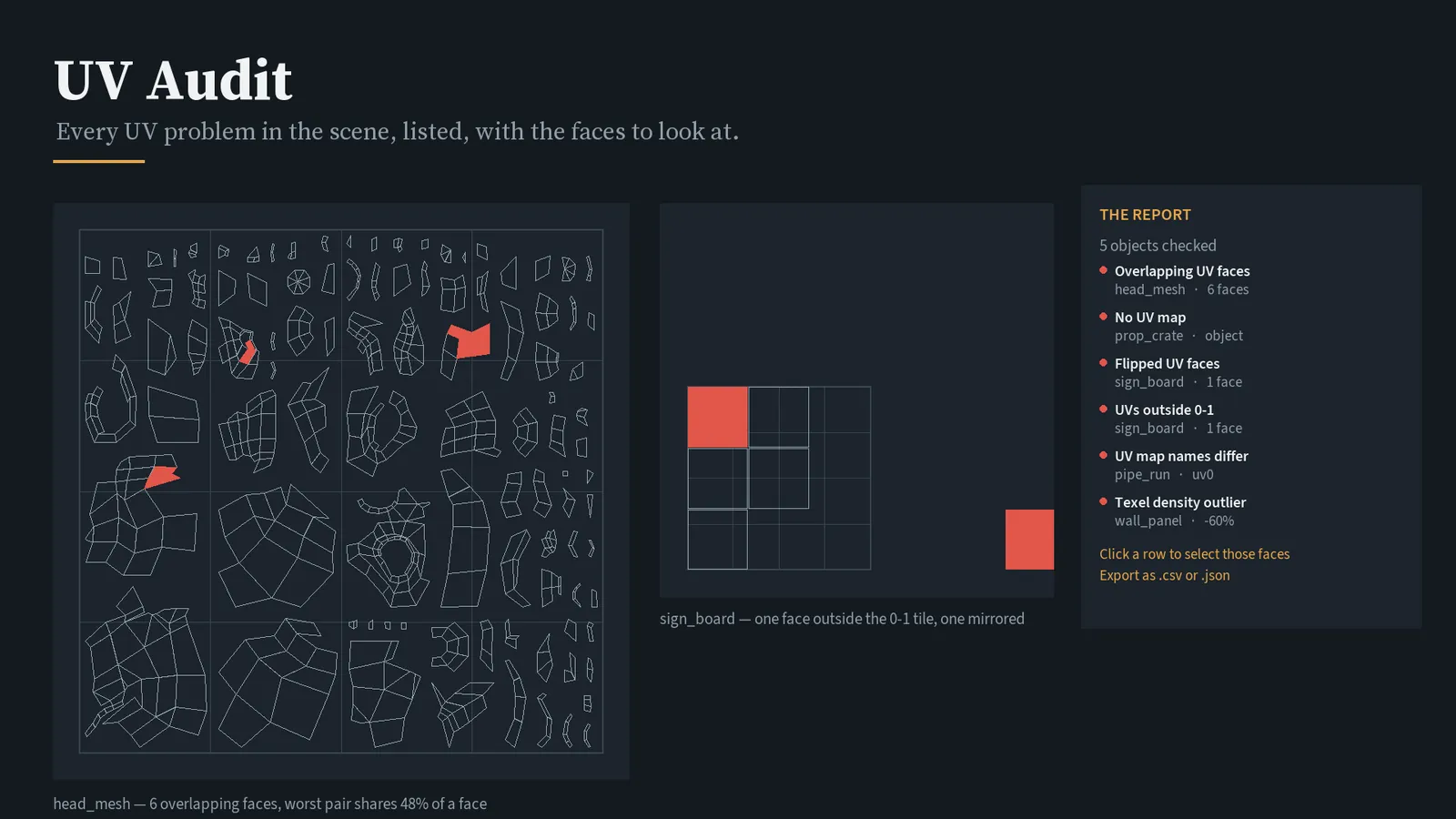
- Objects that disagree about the name of the first UV map — the quiet one that breaks batch texturing and exporters
- Zero-area faces, collapsed to a point or a line
- Flipped faces, where text and directional textures come out mirrored
- UVs that leave the 0–1 tile, with a UDIM option when that is deliberate
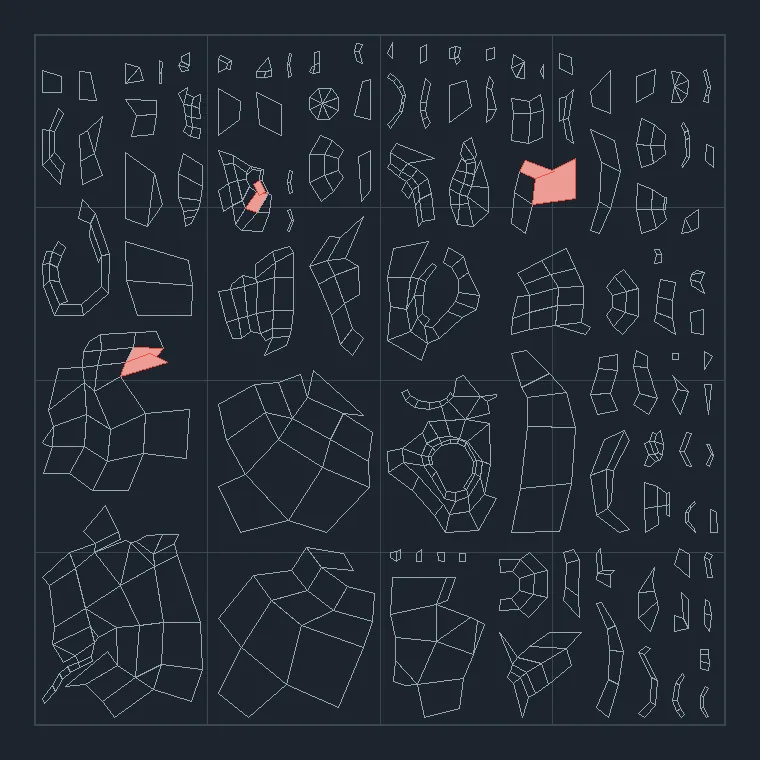
- Overlapping faces, with a sensitivity control so hairline contact between islands is not reported
- Texel density outliers, in pixels per unit, with object scale taken into account
It takes you to the problem. One button selects every object affected by a check. Another opens the object in Edit Mode with the offending faces already selected, in face select mode.
It never changes anything. The add-on reads your meshes and selects faces. That is all it does. It works alongside whatever you unwrap with — this is the check at the end, not another unwrapper.
How these are tested
The part that is not visible in a screenshot
- Every preset and every check is exercised, not sampled. For the library that means all 36 stacks: each one is applied, the modifiers are evaluated through the dependency graph, and the resulting mesh is inspected. The six generating stacks are checked to confirm the vertex count actually grows (Screw, for instance, 14 → 448).
- Both LTS releases, every time. The whole suite runs on 4.5.13 and on 5.2.1, headless.
- An install test repeats the customer's own steps — install the extension zip, let it enable itself, then drive the operators — rather than importing the module directly.
- The checks are calibrated against clean input. UV Audit is run on meshes that are correct and must report nothing; a tool that flags everything is not an auditor. Its overlap findings were reconciled by hand against measured overlaps of 48%, 11.4%, 0.9% and 0.8%.
- The tests find real defects. A rule check on modifier ordering — corrective smooth cannot follow a modifier that changes the topology — caught a broken stack before release, and it was fixed.